Sunoi logoSunoi
Independent Suno-style AI music generator

Sunoi: Generate Suno-Style Songs for Free

Use Sunoi as a Suno-style AI music generator for prompts, lyrics, full songs, instrumentals, and post-generation editing tools.

Free tries availableSuno-style songsIndependent from Suno

Hear Sunoi Suno-Style AI Song Examples

Preview prompt-based songs, instrumentals, and creator-ready demos, then use Sunoi to generate your own Suno-style track.

Suno-Style Creation Paths

Choose the Right Sunoi Music Workflow

Start with Sunoi AI Music Generator as the core workflow, then use lyric, instrumental, or post-production tools when the song needs a more specific path.

AI Music Generator
AI Music Generator

Suno-style song creators

AI Music Generator

Create Suno-style songs online from a prompt, lyric idea, genre note, or creator brief.

  • Describe the song idea, style, mood, vocal feel, or use case in plain language.
  • Generate a complete direction with melody, structure, vocals, and arrangement energy.
  • Use the best take as the source for extension, stems, vocal removal, or publishing review.

AI Lyrics Generator
AI Lyrics Generator

Lyric-first creators

AI Lyrics Generator

Write lyrics that are ready to become Suno-style songs instead of staying as loose text.

  • Generate hooks, verses, choruses, and section ideas from a theme or emotion.
  • Test different angles before sending the strongest draft into music generation.
  • Shape lyrics around genre, story, mood, and vocal direction so the song brief is clearer.
Text to Music
Text to Music

Video, podcast, and brand teams

Text to Music

Turn written scenes, moods, and content briefs into instrumental music that fits the moment.

  • Create background beds, intros, cues, loops, and atmospheres from short prompts.
  • Guide genre, pace, instrumentation, and use case without opening a DAW.
  • Move strong instrumental directions into full-song or editing workflows when needed.
Lyrics to Song AI
Lyrics to Song AI

Songwriters and lyric owners

Lyrics to Song AI

Paste existing words and hear them as a Suno-style song draft with vocals and arrangement.

  • Bring finished lyrics, poems, hooks, or rough drafts into a song-first workflow.
  • Use style prompts to shape genre, tempo, vocal character, and production energy.
  • Turn lyric-first ideas into playable tracks that can be compared, refined, or extended.
Vocal Remover & Stem Splitter
Post-production Tools

Remixers, singers, producers

Vocal Remover & Stem Splitter

Separate the strongest generated track into useful parts for remixing, covers, karaoke, and review.

  • Use Vocal Remover when you need a clean vocal and instrumental split.
  • Use Stem Splitter when separate vocals, drums, bass, guitar, piano, or other parts matter.
  • Prepare Sunoi songs for alternate cuts, rehearsal, remix sketches, and production handoff.
Post-production Tools
Post-production ToolsAfter audio exists

Creators refining finished takes

Post-production Tools

Keep working after the first good take: extend, convert, edit, and prepare the track for its next use.

  • Extend a promising song when the chorus or mood works but the arrangement needs more runway.
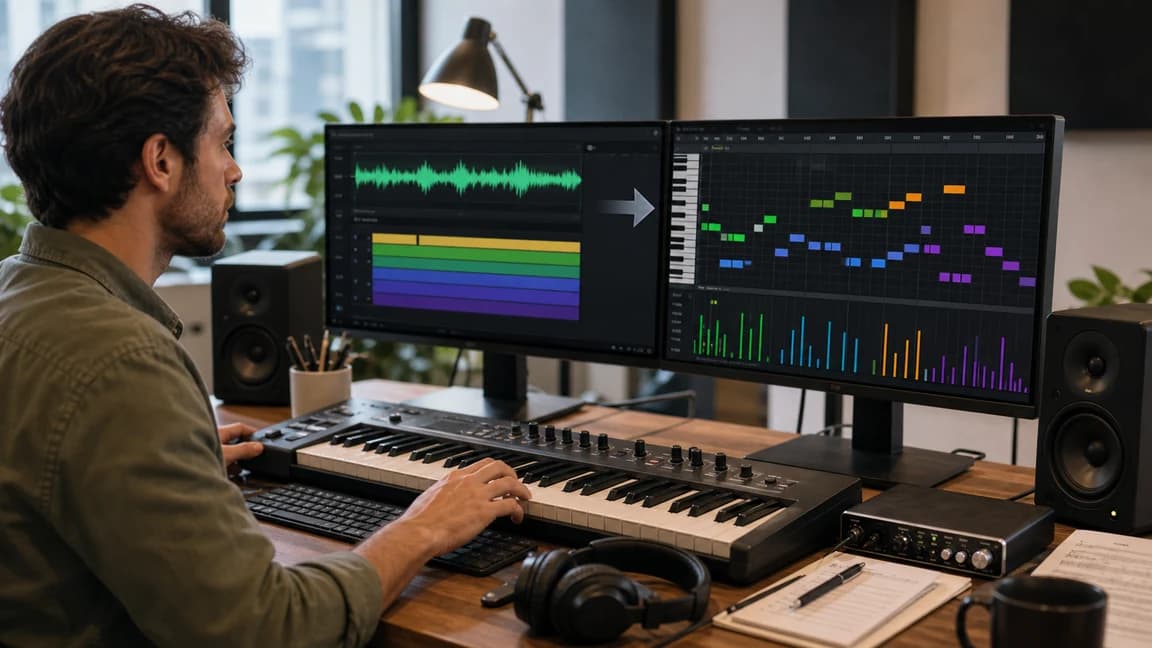
  • Use Audio to MIDI and MIDI Editor when the output needs editable notes or DAW-friendly material.
  • Keep creation and cleanup connected so a Suno-style idea can become a usable audio asset.

Independent Suno-style AI music generator

Sunoi, Suno-style music, and what creators should know

Clear answers for creators comparing Sunoi with Suno, Suno AI Music, AI music generators, and Suno alternatives.

Independent, not official Suno

Sunoi is an independent Suno-style AI music generator and is not affiliated with, endorsed by, or sponsored by Suno.

Suno-style song generation

Use Sunoi to create full songs, instrumentals, lyric-to-song drafts, and creator demos from prompts or lyrics.

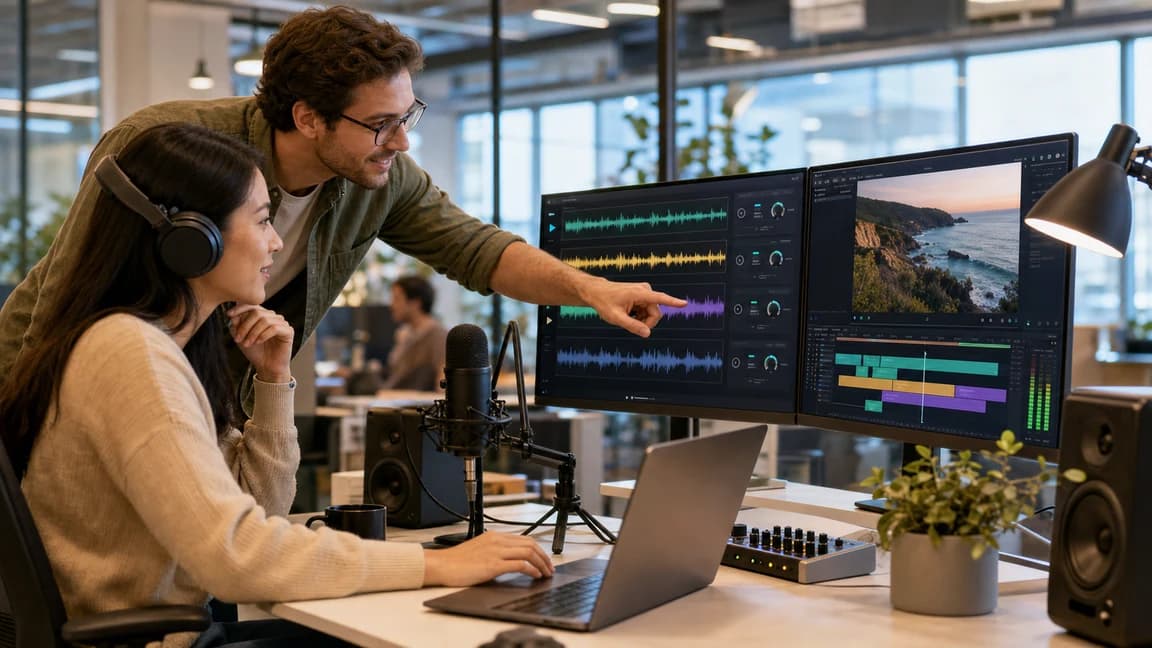
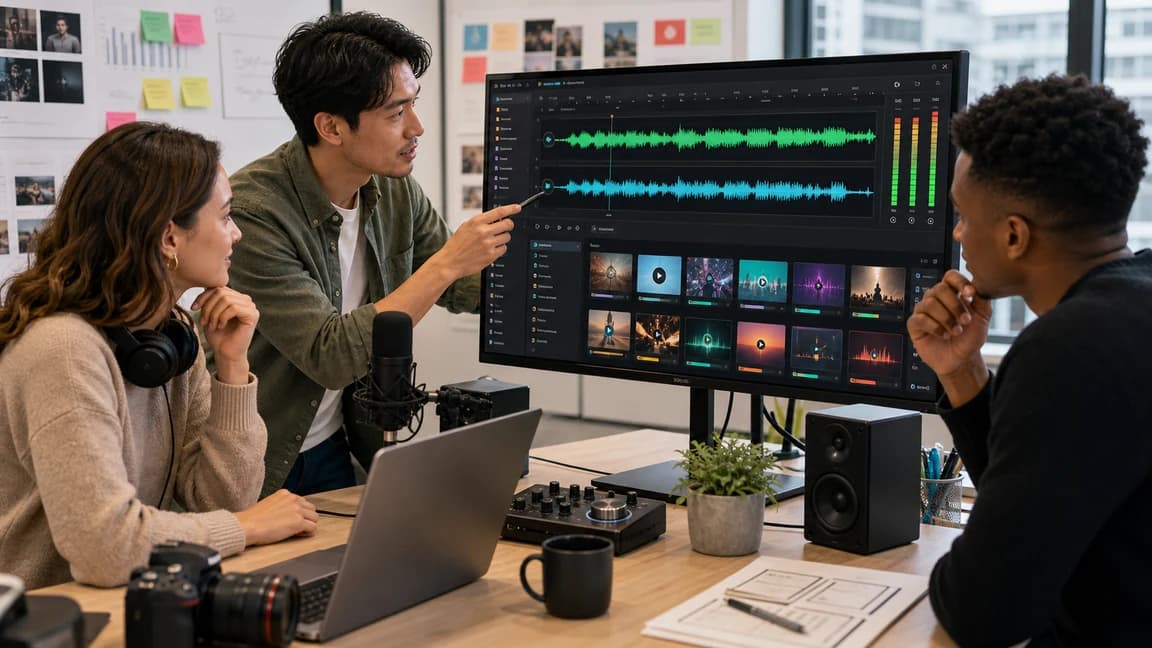
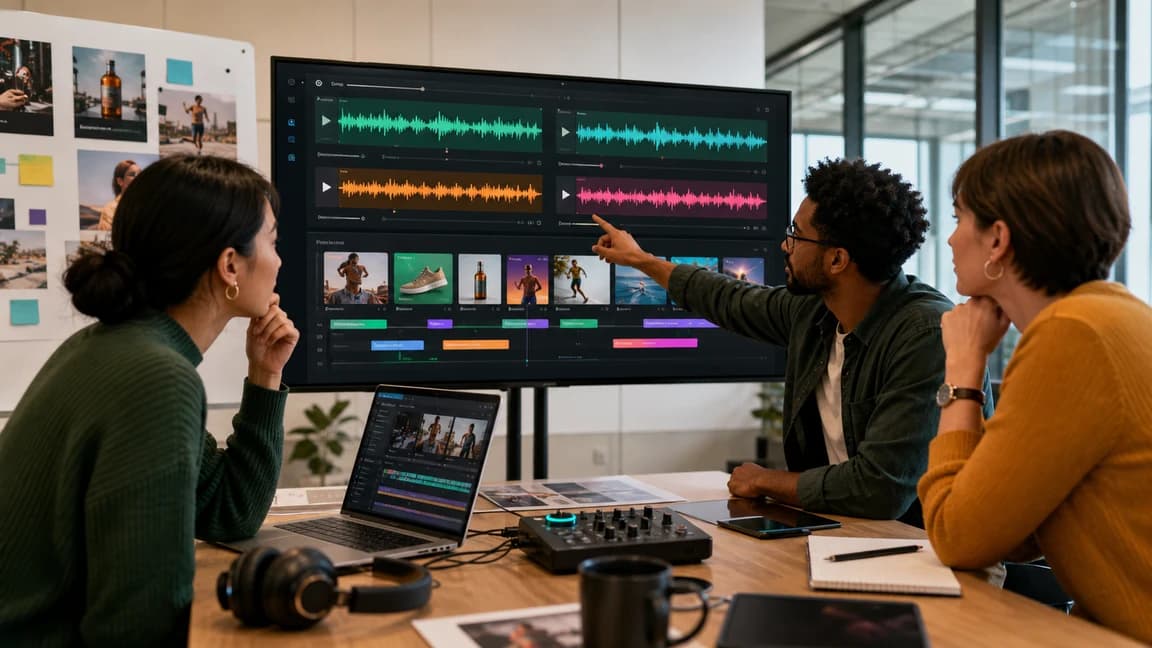
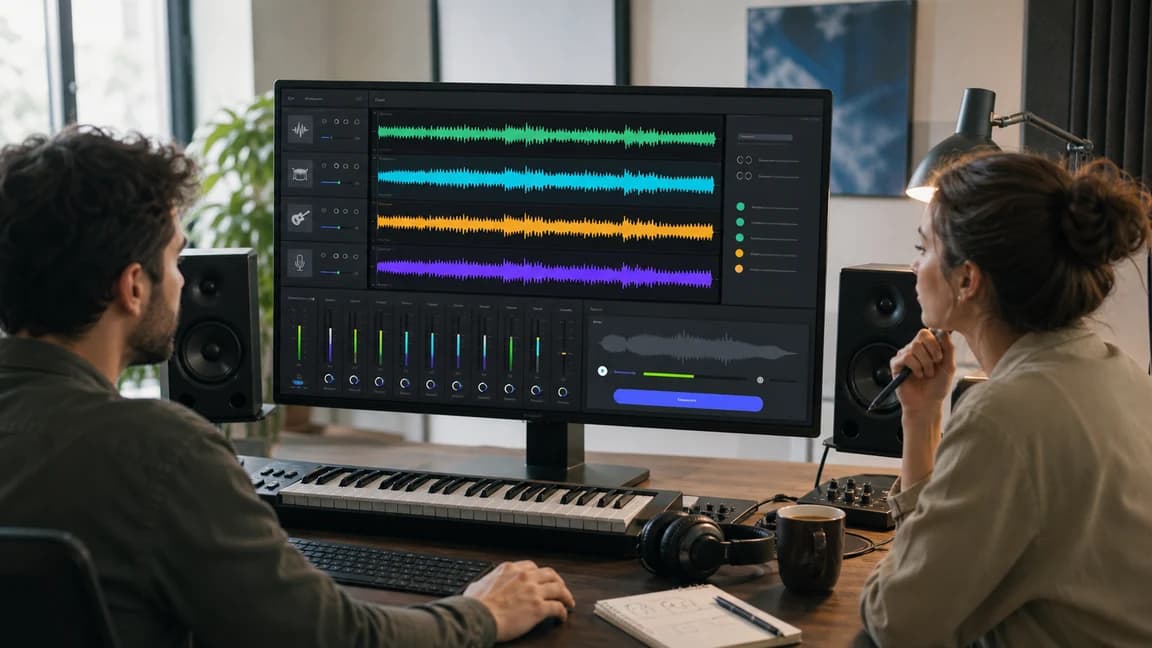
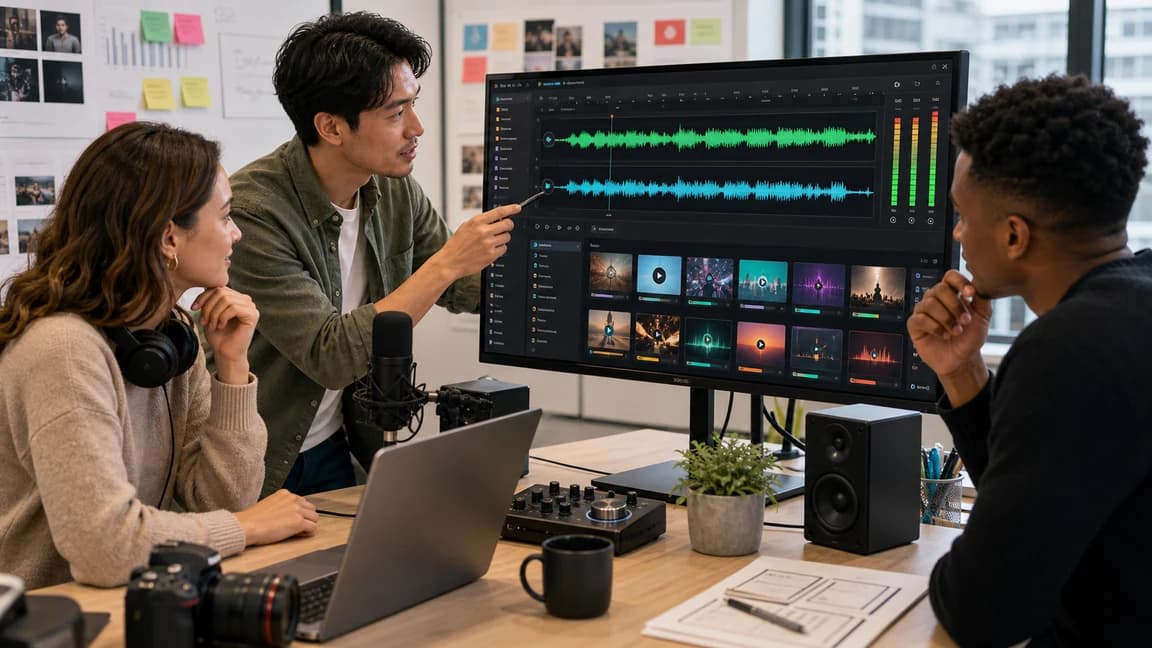
Creators shaping a Suno-style AI song direction together

When the first version is close, continue inside the same workflow with extension, stems, vocal removal, MIDI, or license review instead of starting over.

More than a prompt box

After a track exists, creators can extend songs, remove vocals, split stems, convert audio to MIDI, or edit MIDI where supported.

Commercial usage on paid plans

Active paid subscriptions include commercial usage rights and certificate access under the current License Agreement.

Suno-Style Creation Paths

From Suno-style prompt to usable song

Use Sunoi as a practical AI music generator workflow: create the song direction first, then refine the best take and prepare it for publishing or production.

Create

Create Suno-style songs from prompts

Start from a short song idea, mood, lyric note, or genre prompt and turn it into a playable first direction.

  • Generate songs with vocals, melody, sections, and arrangement energy from plain-language input.
  • Use lyric-first or text-first prompts when the creative idea is clear but the sound is not yet finished.
  • Compare multiple directions quickly before choosing the version worth refining.
Start Creating
Create Suno-style songs from prompts

Produce

Shape the generated song for the source material

Keep AI Music Generator as the center, then choose the lyric-first or instrumental path only when the source material calls for it.

  • Create complete songs when the goal is a vocal track with structure and production.
  • Use instrumental generation when the job is a cue, background bed, or content score.
  • Use a lyric-first path when existing words should drive the vocal melody and arrangement.
Generate Your Track
Shape the generated song for the source material

Edit

Refine the take that is worth keeping

Turn the best generated result into something easier to use, remix, perform, or review.

  • Extend a strong hook, chorus, or mood instead of regenerating from zero.
  • Split vocals, drums, bass, instruments, and other parts when the mix needs production control.
  • Remove vocals for instrumentals, karaoke, cover prep, remix sketches, and cleaner review states.
Explore Editing Tools
Refine the take that is worth keeping

Publish

Prepare usage before release

Check plan limits, commercial rights, and license guidance before using generated music in public or client-facing work.

  • Use an Active Paid Subscription when tracks move into publishing, client projects, or brand assets.
  • Review license terms before placing music in videos, podcasts, games, ads, or business content.
  • Keep generation, download, and certificate context close to the track when proof matters.
Review Commercial Use
Prepare usage before release

Independent Suno-style AI music generator

How to make Suno-style songs online with Sunoi

1

Move 1

Describe the song or source

Start with a prompt, lyric draft, scene, genre, mood, vocal feel, or content use case.

2

Move 2

Generate Suno-style options

Create full songs, lyric-to-song drafts, or instrumentals, then compare versions for the strongest direction.

3

Move 3

Refine the keeper

Extend the best track, split stems, remove vocals, convert audio, or prepare the output for your next project.

Who Uses Sunoi

Suno-style AI songs for creators and teams

Sunoi helps YouTubers, podcasters, filmmakers, advertisers, composers, and brands turn prompts or lyrics into usable music faster.

For YouTubers

For YouTubers

Challenges

  • Video music has to match pacing, narration, and channel tone without slowing the upload schedule.
  • Stock tracks can feel generic, overused, or hard to adapt across intros, shorts, and long-form edits.

Solution

  • Generate Suno-style songs, channel themes, intros, outros, and instrumental beds from a short creator brief.
  • Use Text to Music for background cues, then keep strong ideas for full-song or post-production workflows.
Suno-style BGMChannel themesFast publishing
For Podcasters

For Podcasters

Challenges

  • Shows need recognizable intros, segment beds, and transitions that still leave room for speech.
  • Free or recycled tracks can make episodes feel inconsistent and less owned by the show.

Solution

  • Turn an episode theme, audience tone, or show identity into prompt-based music directions.
  • Reuse a prompt pattern to make recurring podcast segments feel consistent without a large production setup.
Podcast introsSpeech-safe bedsConsistent sound
For Filmmakers

For Filmmakers

Challenges

  • A scene can lose emotional focus when the cue does not match tension, pacing, or visual rhythm.
  • Custom scoring is often too slow for rough cuts, pitch reels, trailers, and fast review cycles.

Solution

  • Describe the scene purpose and generate score directions before the edit is locked.
  • Use stem splitting, vocal removal, or extension when a promising cue needs more control.
Scene scoresTrailersEdit reviews
For Advertisers

For Advertisers

Challenges

  • Campaign music has to be memorable, brand-fit, and easy to adapt across multiple cutdowns.
  • Overused tracks and unclear licensing can create friction near launch.

Solution

  • Generate music from campaign goals, product tone, audience notes, and desired emotional lift.
  • Compare hooks, tempos, and energy levels before choosing the direction that supports the message.
Campaign hooksSocial adsProduct launches
For Music Composers

For Music Composers

Challenges

  • Writer's block, deadline pressure, and weak first drafts can stall a song or cue before it becomes useful.
  • Composers often need quick references, lyric angles, or alternate arrangements before committing to production.

Solution

  • Use Sunoi to test genre direction, lyric starts, melody mood, vocal tone, and arrangement ideas.
  • Move promising outputs into extension, stems, MIDI, or vocal-removal workflows for analysis and refinement.
Song ideasLyric draftsArrangement tests
For Brands

For Brands

Challenges

  • Music from scattered sources can weaken brand recognition across ads, product videos, and social touchpoints.
  • A consistent audio identity is hard to build when every brief starts with a new search.

Solution

  • Create a repeatable library of Suno-style audio directions from brand prompts and usage notes.
  • Keep generation, refinement, pricing, and license review close to the same Sunoi workflow.
Audio identityReusable promptsBrand-safe workflow

Frequently asked questions

What is Sunoi?

Sunoi is a Suno-style AI music generator for creating full songs, instrumentals, lyric-to-song drafts, and creator-ready demos from prompts or lyrics.

What can I create with Sunoi?

You can create Suno-style songs, instrumental background music, lyric drafts, demo tracks, and reusable music assets for videos, podcasts, social content, product demos, and songwriting.

Is Sunoi the same as Suno?

No. Sunoi is independent and is not affiliated with, endorsed by, or sponsored by Suno.

Is Sunoi a Suno alternative?

Sunoi can be used as an independent Suno-style alternative for creators who want prompt-to-song generation, lyrics-to-song workflows, instrumentals, and editing tools. People searching for Suno style songs can use Sunoi to create independent Suno-style songs from prompts or lyrics. Creators comparing Suno style workflows should know that Sunoi is not affiliated with Suno.

Does Sunoi include an AI Lyrics Generator?

Yes. You can draft hooks, verses, choruses, and song ideas before turning the strongest words into a full song or lyric-to-song workflow.

Can I generate instrumental-only music?

Yes. Text to Music supports instrumental workflows for videos, podcasts, games, product demos, scene cues, and background music.

What tools are included in Sunoi?

Sunoi includes AI Music Generator, Lyrics to Song AI, Text to Music, AI Lyrics Generator, AI Song Extender, AI Stem Splitter, and AI Vocal Remover. Audio to MIDI and MIDI editing are supporting utilities for existing audio or note-based editing.

Can I use Sunoi music commercially?

Active paid subscriptions include commercial usage rights and certificate access under the License Agreement. Free usage is for evaluation.

Do I need music production experience?

No. You can start with a plain-language prompt, lyric idea, mood, genre, vocal note, or content brief.

Creator ready to turn a brief into a Suno-style AI song

Generate a Suno-style song with Sunoi

Start with a prompt, lyric idea, or content brief. Generate music, compare directions, and refine the take that is worth keeping.